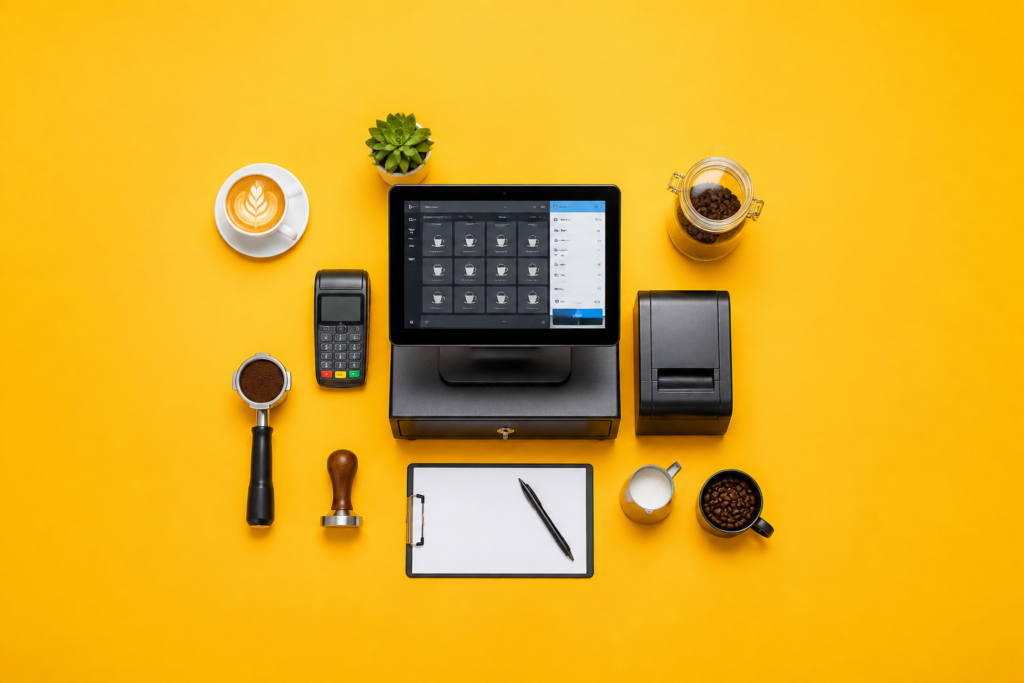

Order speed, modifier accuracy, tip handling, inventory control, and offline checkout separate a workable coffee shop POS from a costly one. A small café does not need the same setup as a multi-location restaurant. It needs fast drink entry, clean menu builds for syrups and milk swaps, a staff screen that new hires read in seconds, and payment processing that does not eat the margin on every latte.
Start with your busiest hour. If the line backs up at the register, the POS is too slow. If baristas keep ringing the wrong milk or size, the menu structure is wrong. If you sell beans, pastry, and sandwiches, inventory and item tracking need to work without manual cleanup at closing. The right system handles those parts without forcing your team into extra taps, extra screens, or extra training.
What your coffee shop POS has to do every day
Your POS needs to match the way your bar works, not the other way around. A small coffee shop usually lives on repeat orders, quick customizations, and peak-hour bursts. That means the screen must handle drink builds fast, the ticket must read clearly on the bar, and the payment step must stay short even when three customers are waiting behind one order.
Menu structure decides most of the usability. Drinks need sizes, milk choices, syrup add-ons, extra shots, temperature changes, and food modifiers that do not force staff to dig through cluttered submenus. Item groups and modifier groups keep the menu usable when you add seasonal drinks or a rotating pastry case.
Inventory matters as soon as you track more than cups and espresso beans. If you sell bagged coffee, bottled drinks, or bakery items, you need counts that move when items sell, low-stock alerts that arrive before you run out, and reports that show what disappears fastest. That keeps reorder decisions tied to sales instead of guesses.
Customer data belongs in the same system if you run loyalty, gift cards, or targeted promotions. A POS that stores visit history and reward balances gives you a cleaner way to keep regulars coming back than paper punch cards or separate apps. The cleaner the loop between payment and rewards, the less work your staff does at the counter.
What the system costs beyond the monthly subscription
Sticker price hides the real bill. Hardware, payment processing, installation, add-on modules, and support plans decide what you pay over time. A low monthly fee means little if the card rate is high or the hardware bundle forces you into overpriced tablets and printers.
Hardware starts the cost stack. A small coffee shop usually needs at least one register device, a card reader, a receipt printer, and a cash drawer if you still accept cash. If you run a drive-thru or a second station for pickup, add another terminal or a handheld device. Kitchen or bar printers add more expense, but they also reduce missed tickets when the counter gets slammed.
Processing fees deserve a close look because they hit every sale. A percent-plus-flat rate on a shop with lots of low-ticket drinks adds up fast. Subscription pricing shifts more cost upfront and may lower processing rates, while payment-included pricing bundles the cost into one bill. Read the total monthly cost with your actual ticket size, not the advertised plan headline.
Setup fees, menu migration, and training sessions also belong in the budget. Some providers charge for onboarding or charge extra when you want help moving from another platform. If you need loyalty, online ordering, advanced reporting, or multi-location tools, treat those as separate line items instead of assuming they sit inside the base plan.
Features that belong on a small coffee shop shortlist
Quick order entry sits at the top. A good café POS lets staff ring a drink in a few taps, then move on without hunting through a maze of categories. Saved favorites, duplicate-item buttons, and fast quantity changes keep the line moving when a morning rush hits.
Custom modifiers come next. Coffee orders live on milk type, sweetness, size, temperature, espresso shots, and add-ons. If the POS cannot handle those cleanly, the barista spends more time editing tickets than serving drinks. Good modifier logic also helps avoid waste because the kitchen or bar sees exactly what was ordered.
Integrated tipping belongs in the card flow, not in a separate workaround. Counter service in coffee shops depends on fast, transparent tipping prompts and accurate split between card and cash tips. Loyalty tools do the same job for repeat business: points, stamped drinks, stored balances, and customer profiles without forcing staff to leave the sales screen.
Offline mode is non-negotiable for a shop that depends on card sales during internet glitches. If the network drops, the register still needs to accept orders and store transactions until service returns. For a café that opens early and stays busy, that backup is not a luxury feature; it is part of normal operations.
Menu speed beats feature count
Interface speed beats long feature lists once service starts. A POS with every add-on in the catalog still fails if it takes too many taps to ring a drip coffee with oat milk and an extra shot. Staff need a layout that matches the way they talk about orders at the counter.
Modifier logic should also protect against error. A system that places milk choice, size, and temperature in a fixed order cuts down on missed details. The best sign of a strong café setup is that new staff ring complicated drinks without asking for help on every other order.
How to judge whether the POS will scale with your shop
One location today does not guarantee one location next year. A system that supports multiple stores, shared reporting, centralized item management, and role-based permissions saves you from a migration later. If you add a second café, you need the menu and pricing updates to roll out without rebuilding each store from scratch.
Expansion also shows up in the services you add. Mobile ordering, curbside pickup, catering, wholesale bean sales, and delivery all require different order flows and reporting. A POS with flexible channels keeps those sales inside one system instead of scattering them across separate tools that never reconcile cleanly.
Data portability matters here as well. Exportable sales history, customer records, and product data protect you if the platform falls short. If a provider traps your menu and customer list, growth turns into a lock-in problem. A shop that plans to grow needs a system that treats migration as a normal business event, not a penalty.
Which interface keeps staff moving fastest?
The fastest interface is the one a new hire learns on day one. Button labels need to make sense at a glance, the screen hierarchy needs to stay shallow, and the most common items need to sit within reach of one tap or two. Training time drops when the layout matches the rhythm of counter service.
Touch targets, color contrast, and screen clutter matter during rushes. Small buttons and crowded menus slow everyone down. Clear fonts, visible payment status, and a checkout flow that keeps the cashier oriented reduce mistakes when the line is out the door.
Role permissions help the team without adding friction. A barista does not need access to tax settings or payout reports. A shift lead does. The system stays cleaner when each role sees only the tools needed for that job, and that separation also protects data from accidental edits.
Reporting should be readable without a spreadsheet export. Daily sales, item mix, peak hours, discounts, refunds, and voids give you the operational picture you need. If the dashboard hides those numbers behind too many tabs, the software moves work from the counter to the back office.
Support and uptime decide whether the system survives a rush
Support quality shows up the first time a printer stops, a card reader disconnects, or a menu sync fails before opening. A coffee shop cannot sit idle while waiting for a callback. Live chat, phone support, and documented setup guides all belong in the decision because service interruptions hit revenue immediately.
Cash counter is the tool that fits this section because cash handling still appears in many small cafés, and cash totals need to reconcile with the register before closing. If your POS and your end-of-day count disagree, the gap has to be found fast, not tomorrow.
Reliability also means the vendor keeps software updates from breaking service. Good providers push changes that preserve order flow and payment stability, then document what changed. If they maintain clear status pages, release notes, and response times, your team spends less time guessing and more time serving.
How to compare two POS systems side by side
Use the same order of questions for every vendor. Ask how fast a drink order takes to enter, how modifiers display on the receipt and kitchen ticket, how inventory updates after a sale, and what happens if the internet goes down. Those answers expose the real differences faster than feature lists full of buzzwords.
Pricing comparison works best when you calculate a month with your own numbers. Take your average ticket size, monthly transactions, number of terminals, and add-on needs, then estimate processing and subscription costs together. A system that looks cheaper on the rate card may cost more once you include hardware or loyalty tools.
Test training time before signing. Sit a new employee in front of the demo and see whether they can ring a latte, void a mistake, split a payment, and close a check without coaching. If the demo requires hand-holding, the live system will do the same under pressure.
Support should be part of the comparison sheet, not an afterthought. Write down the channels offered, the hours covered, and the average response path for urgent issues. The vendor that solves a printer outage at 7 a.m. Is more valuable to a breakfast café than one with a flashy feature list and slow support queue.
Signs the POS is the wrong fit
Any system that makes staff scroll through long menus for standard drinks slows the line and causes mistakes. If your team has to memorize workarounds to sell a cappuccino with oat milk or an extra shot, the interface is working against the business.
Hidden fees are another warning sign. Monthly charges that exclude essentials, payment rates that change by card type, or support plans that charge extra for live help all belong in the red-flag column. A clear contract protects you from surprises after installation.
Weak reporting also hurts. If the system cannot show item sales, refund trends, or inventory movement without exporting raw data, you lose time every week to manual cleanup. A shop with tight margins needs clear numbers in the software itself.
A final warning sign is poor offline behavior. If the register freezes or refuses to store orders when the connection fails, the system is not built for real café conditions. Coffee shops live on short service windows, and the POS has to keep up when the network does not.
Final choice: what the best POS for a small coffee shop looks like
The right system combines fast order entry, strong drink modifiers, integrated tipping, inventory tracking, loyalty tools, offline operation, and support that answers quickly. A shop that buys for those traits gets a POS that helps baristas move, keeps owners informed, and leaves room to grow without replacing the whole stack.
The clearest choice is the one that matches your menu, your transaction volume, your staff skill level, and your growth plan. Compare total cost, not just subscription price. Test the interface with real café orders. Check support before you sign. That combination points to a system that stays useful after the first week, the first rush, and the first expansion.
FAQs
What are the key features to look for in a POS system for a small coffee shop?
Essential features include quick order processing, customizable drink modifiers, integrated tipping, loyalty programs, and offline capabilities. Inventory tracking also belongs on the list if you sell beans, bakery items, or retail goods.
How do I assess the costs associated with a POS system for my coffee shop?
Evaluate both initial setup costs and ongoing expenses, including hardware, software subscriptions, and transaction processing fees, to ensure the system aligns with your financial plan. Add onboarding, menu migration, extra terminals, and optional modules before you compare vendors.
Can a POS system help manage inventory in my coffee shop?
Yes, many POS systems offer inventory management features that track stock levels, alert you to low inventory, and assist in ordering supplies. That matters most when you sell items with predictable turnover, such as espresso beans, milk, pastries, and packaged drinks.
Is it necessary for a POS system to have offline capabilities?
Offline capabilities are beneficial to ensure continued operation during internet outages, allowing transactions to be processed and stored until connectivity is restored. A café that depends on card payments during rush periods needs that backup to avoid downtime at the register.