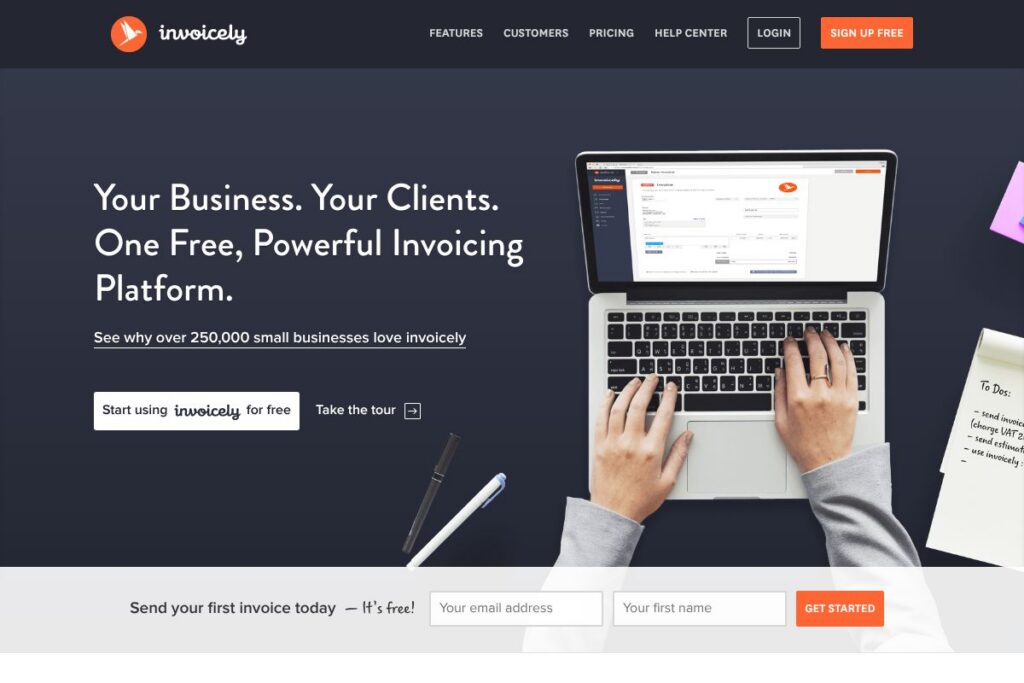

What is invoicely
invoicely is a cloud invoicing tool aimed at freelancers, consultants, and small businesses that need a lightweight way to bill clients, accept payments, and keep basic financial records. The core offering centers on invoice and estimate creation, time and expense tracking, recurring billing, and mobile access so you can send invoices from any device.
Compared with competitors, invoicely is positioned as a simpler, cost-conscious alternative to accounting-first platforms such as QuickBooks Online and Xero, which include broader accounting and payroll features. It compares with billing-focused tools like FreshBooks by offering straightforward invoicing and time tracking without the same emphasis on full-service bookkeeping. For businesses that want a free entry point, Wave provides a similar no-cost option but bundles accounting; invoicely focuses more narrowly on invoicing workflows.
All of this makes invoicely particularly effective for small teams and independent professionals who need a quick way to invoice, accept payments, and track billable time without a larger accounting system. It works well when you want mobile invoicing, customizable invoice templates, and simple automation for recurring payments and reminders.
How invoicely works
Create invoices and estimates from a web dashboard or mobile app, add line items with taxes, discounts, and shipping, then send them to clients by email or share a payment link. Invoicely converts tracked time, expenses, and mileage entries into invoice line items so billable work flows directly into customer invoices.
Accept payments directly from invoices using supported payment gateways, apply recurring schedules for subscription-style billing, and enable automatic reminders to reduce overdue invoices. Business reports and summaries collect invoice, payment, and expense data so you can review receivables and cashflow from a single place.
invoicely features
invoicely groups the features small businesses need for billing and basic financial tracking into a compact interface. Core capabilities include invoice and estimate templates, time and expense tracking, online payment acceptance, recurring invoices, automatic payment reminders, and customizable branding. The platform emphasizes mobile access and straightforward reporting.
Invoice and estimate creation
Create professional invoices and estimates from predefined templates or custom layouts, add purchase order numbers and due dates, and include taxes, discounts, and shipping at either the line-item or total level. This helps ensure accurate billing and reduces manual calculations when preparing quotes and invoices.
Time, expense, and mileage tracking
Log billable hours, expenses, and trips directly in the app and attach them to clients or projects; tracked entries can be converted into invoice line items with a single action. This makes it easier for consultants and agencies to capture billable work without separate timekeeping tools.
Online payments and gateway support
Accept credit card payments and connect common gateways so clients can pay invoices immediately from desktop or mobile devices. Built-in payment links on invoices speed collection and improve cashflow by reducing friction for clients.
Recurring invoices and automatic reminders
Set up recurring invoices for subscriptions or repeat services and schedule automated payment reminders to chase outstanding invoices. These automation features reduce manual follow-up and help standardize billing cadence.
Reporting and financial summaries
Access dashboards and customizable business reports that summarize invoices, payments received, outstanding balances, and expense summaries. Regular summaries help small business owners monitor cashflow and aging receivables without needing a separate accounting package.
Mobile apps and unlimited invoicing
Use the iOS and Android apps to create and send invoices on the go, manage clients, and view payment status. Mobile access allows small teams to issue invoices from the field or while traveling.
Custom branding and templates
Apply your logo, color scheme, and custom messages to invoices, statements, and client-facing pages so documents reflect your brand. Branding options help maintain a professional appearance across client communications.
With these features combined, invoicely offers an efficient core billing toolset that helps small businesses bill accurately, accept payments, and keep essential financial data in one place.
invoicely pricing
invoicely offers a free plan for small businesses that covers core invoicing, estimates, time and expense tracking, and the ability to accept online payments. There is no dedicated public pricing page available from the vendor in the provided materials, so details about any paid upgrades or premium features are not listed here; check the invoicely homepage for the latest plan options and any available add-ons.
What is invoicely Used For?
Small businesses use invoicely primarily for creating and sending invoices, preparing professional estimates, and collecting payments online. It is particularly useful for independent contractors, consultants, creative freelancers, and micro-agencies that need a light administrative tool for billing and client payments.
invoicely is also used to track billable time, manage expenses and mileage, and automate recurring invoices and reminders. These capabilities reduce administrative overhead for businesses that do not require full accounting suites and prefer a focused invoicing workflow.
Pros and cons of invoicely
Pros
- Free core invoicing: The free plan covers invoice and estimate creation, time and expense tracking, and payment collection, which lowers the barrier for small businesses to start billing electronically.
- Mobile-first access: Mobile apps for iOS and Android make it easy to create and send invoices from the field or while traveling, helping businesses invoice sooner.
- Simple automation: Recurring invoices and automatic payment reminders help reduce manual follow-up and stabilize cashflow.
- Custom branding: Customizable templates, logos, and color schemes let businesses present a professional, branded invoice to clients.
Cons
- Limited advanced accounting: The platform focuses on invoicing and billing rather than full bookkeeping or payroll features, so businesses needing comprehensive accounting may need an additional tool.
- Unclear pricing details for upgrades: There is no dedicated public pricing page in the provided content, which can make it harder to evaluate paid upgrade options without contacting the vendor.
- Integration depth may vary: While invoicely accepts online payments and supports common gateways, it may not offer the deep integrations or ecosystem of larger accounting platforms.
Does invoicely Offer a Free Trial?
invoicely offers a free plan that enables invoice and estimate creation, time and expense tracking, and online payment acceptance; this allows small businesses to use the core platform at no cost. For information on paid plans or trial periods for premium features, refer to the invoicely homepage to review current options.
invoicely API and Integrations
invoicely supports acceptance of credit card payments and multiple payment gateways so clients can pay directly from invoices; connect gateways through the platform’s payment settings. For developers and teams needing automation, check invoicely’s site for any available API documentation and integration guides at the invoicely homepage.
Common integration areas include payment processors, CSV export for bookkeeping, and third-party automation tools that connect invoicing data to other apps. Review the vendor’s integration listings on their site to confirm available connectors and setup steps.
10 invoicely alternatives
Paid alternatives to invoicely
- QuickBooks Online — Cloud accounting with invoicing, payroll, tax reporting, and deeper bookkeeping features for growing small businesses.
- FreshBooks — Focused on invoicing and time tracking with added accounting conveniences and client-facing portals, often preferred by service providers.
- Xero — Full-featured accounting platform that includes invoicing, bank reconciliation, and multi-user collaboration for small to mid-size businesses.
- Zoho Invoice — Affordable invoicing tool with automation, client portals, and integration across the Zoho suite for users already in that ecosystem.
- Square Invoices — Easy invoicing with integrated payments and point-of-sale continuity, useful for merchants already using Square hardware and services.
- Wave — Free invoicing and accounting with optional paid payment processing and payroll add-ons, attractive for sole proprietors and microbusinesses.
- PayPal Invoicing — Fast invoice creation and payment collection via PayPal, convenient for businesses already using PayPal for transactions.
Open source alternatives to invoicely
- InvoiceNinja — Open source invoicing and billing system you can self-host, with time tracking, quotes, and client portals.
- ERPNext — An open source ERP that includes invoicing, accounting, and CRM modules for organizations wanting a full business system.
- FacturaScripts — Open source invoicing and accounting software in multiple languages, suited for businesses that prefer self-hosting and customization.
Frequently asked questions about invoicely
What is invoicely used for?
invoicely is used for creating and sending invoices and estimates, tracking time and expenses, and accepting online payments. Small businesses and freelancers use it to manage billing and basic financial summaries.
Does invoicely accept credit card payments?
Yes, invoicely accepts credit card payments through supported payment gateways. Clients can pay directly from the invoice link on desktop or mobile.
Is invoicely free to use?
invoicely offers a free plan that covers core invoicing, estimates, and basic time and expense tracking. For information about paid plans or premium features, see the invoicely homepage.
Does invoicely have mobile apps?
Yes, invoicely provides mobile apps for iOS and Android that let you create and send invoices on the go. Mobile access supports quick billing from the field or while traveling.
Can invoicely automate recurring invoices and reminders?
Yes, invoicely supports recurring invoices and automatic payment reminders. These features help standardize billing cycles and reduce manual follow-up.
Final verdict: invoicely
invoicely delivers a compact, practical invoicing tool for small businesses that need to create invoices, collect payments, and track billable time without a full accounting suite. Its free plan, mobile apps, and support for online payments make it a sensible choice for freelancers and microbusinesses that prioritize simple billing workflows.
Compared with FreshBooks, which uses paid subscription tiers and bundles time tracking with more comprehensive client and project management features, invoicely favors a lower-friction entry with a free core offering and focused invoicing capabilities. For teams that outgrow invoicely’s scope, migrating to a paid accounting platform like QuickBooks Online or Xero can add bookkeeping and payroll features, but for many small businesses invoicely provides the essential invoicing and payment tools without unnecessary complexity.