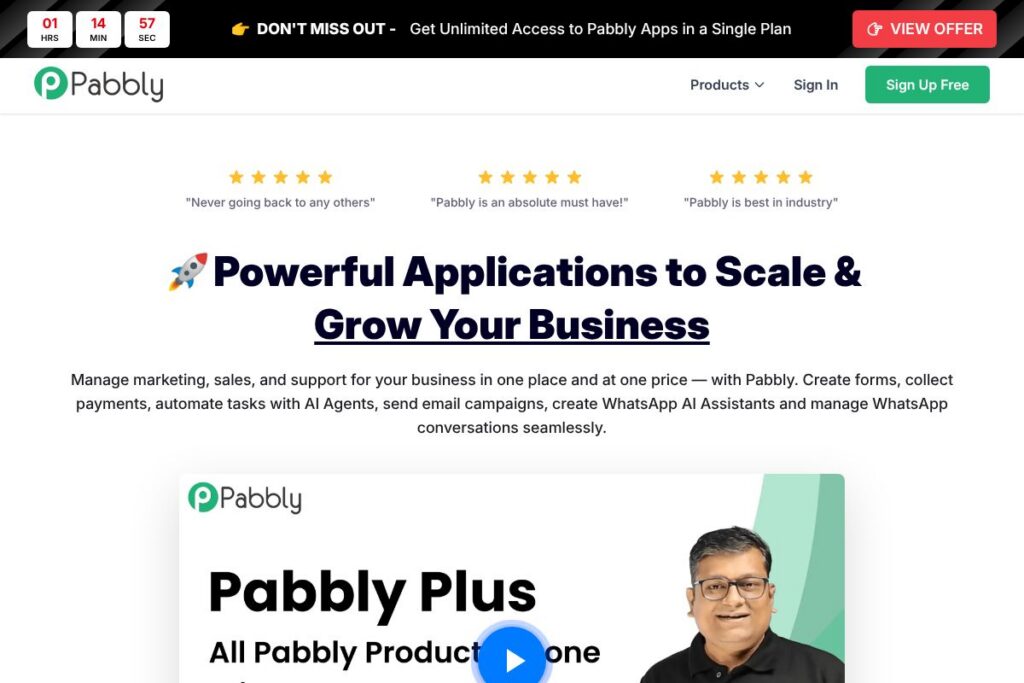

Pabbly: An Overview
Pabbly is a bundled SaaS suite that combines workflow automation, email marketing, subscription billing, form building, webhook handling, and WhatsApp automation into a single account. It is aimed at businesses that want one vendor to cover multiple sales and marketing needs without separate subscriptions for each capability.
Compared with Zapier and Make (formerly Integromat), Pabbly places more emphasis on bundling complementary products such as billing and email marketing with automation rather than focusing only on connectors. Against specialist tools such as Mailchimp for email or Chargebee for billing, Pabbly trades deep single-product specialization for cross-product integration and an all-in-one purchasing model.
What Pabbly does especially well is reduce the number of separate vendor relationships and unify quotas and user access across apps. This makes it a practical option for agencies, ecommerce merchants, and growing teams that need automation, campaign sending, and recurring billing in one place.
How Pabbly Works
Pabbly organizes functionality into purpose-built applications that work independently or together. For automation you use Pabbly Connect to create triggers and actions that move data between apps; those automations can then push leads into Pabbly Subscription Billing or start email sequences in Pabbly Email Marketing.
A common workflow looks like this: a customer submits a form built with Pabbly Form Builder, the form triggers a Pabbly Connect workflow that creates a subscription in Pabbly Subscription Billing, and the same workflow adds the contact to an email campaign. Teams typically set up automations through a visual builder, map fields, and test runs before enabling live traffic.
Pabbly also centralizes event handling with Pabbly Hook for incoming webhooks and supports WhatsApp chat automation using Pabbly Chatflow. Administrative controls, user access, and security certifications are managed from a single account console so organizations can scale without replicating user provisioning work.
Pabbly features
Pabbly groups a set of complementary tools so teams can run marketing, sales, and support workflows together. Core capabilities include multi-app automation, bulk and transactional email campaign tools, subscription billing and invoicing, form and checkout builders, webhook management, and WhatsApp automation. Recent product messaging highlights bundled plans and added AI-driven chat and automation features.
Automation (Pabbly Connect)
Pabbly Connect links hundreds of apps and services with a visual editor to create multi-step workflows. It helps reduce manual tasks by automating lead routing, CRM updates, and cross-app notifications, and it supports conditional logic and filters for more targeted flows.
Email Marketing
The email marketing app handles bulk campaign sending, subscriber management, list segmentation, and basic automation sequences. It is designed to serve businesses that prefer an integrated email sender connected directly to forms, billing, and automation flows.
Subscription Billing
Pabbly Subscription Billing lets you create products, manage subscriptions, generate invoices, and automate dunning for recurring revenue. It simplifies tax and coupon handling for typical subscription models and integrates with automation flows to sync customer status across apps.
Form Builder
The form builder provides templates and drag-and-drop tools for lead capture, payment-enabled checkout forms, and embedded forms for websites. Forms can push submissions into automations, send confirmation emails, and create new customers in billing.
WhatsApp Automation (Pabbly Chatflow)
Chatflow manages WhatsApp numbers, automates conversations with AI assistants, and supports broadcast messaging with an inbox interface for one-to-one follow-up. This feature is aimed at sales and support teams using WhatsApp as a primary channel.
Webhooks and Pabbly Hook
Pabbly Hook collects and routes incoming webhook events, lets you inspect and transform payloads, and serves as a lightweight event bus for custom integrations. It is useful when you need deterministic control over event handling before passing data to other apps.
Email Verification
Email verification helps clean subscriber lists by checking deliverability and reducing bounce rates. This reduces wasted campaign sends and helps maintain sender reputation for bulk email operations.
With these components combined, the biggest benefit is being able to move a lead from capture to conversion without leaving the Pabbly environment, which reduces integration overhead for teams managing multiple touchpoints.
Pabbly pricing
Pabbly uses a subscription pricing model with a freemium entry level and a bundled plan that grants access to all Pabbly applications. The company promotes a single Pabbly Plus plan that provides access to every app and offers both limited free quotas and higher-capacity paid options.
Monthly Billing:
Pabbly Plus – $59 (Access to all Pabbly applications with unlimited feature access subject to fair usage; suitable for businesses that want a single monthly payment for all apps.)
Starter / Free tier – FREE (Limited quotas such as Pabbly Connect 100 Tasks, Pabbly Email Marketing 100 Subscribers, and other starter limits included at no cost.)
Annual Billing:
Pabbly Plus (annual) – Regionally discounted annual plans are available, typically offering savings compared with monthly billing; check the vendor for the current annual rate for your region. View the Pabbly Plus plans for up-to-date billing options and regional pricing.
Enterprise
Enterprise – Custom pricing (For very large usage, custom limits, SSO, and dedicated support; contact Pabbly sales to discuss enterprise requirements and volume pricing through the Pabbly contact channels).
What is Pabbly used for
Pabbly is used to automate lead capture, campaign delivery, and recurring billing workflows across a small set of tightly integrated apps. Teams use it to replace multiple single-purpose subscriptions and to centralize administration for automation, email, forms, and billing.
Typical users include ecommerce merchants managing subscriptions and one-time checkouts, agencies building automated client workflows, and small to medium businesses that need WhatsApp-based support or integrated email campaign delivery connected to billing and forms.
Pros and cons of Pabbly
Pros
- All-in-one bundle: The Pabbly Plus approach consolidates automation, email, billing, forms, and webhook management into one account, reducing the need for multiple vendor subscriptions.
- Generous starter quotas: The free tier includes usable limits for testing automations, forms, and email campaigns which helps teams validate workflows before upgrading.
- Enterprise-grade security: SOC2 Type 2 and ISO 27001:2022 certifications provide formal assurance around data handling and operational controls.
- WhatsApp and chat automation: Built-in Chatflow capabilities support WhatsApp automation and inbox management, which is less common in general automation platforms.
Cons
- Limited single-product depth: Each app is broad but not always as feature-rich as specialist competitors in email deliverability, billing complexity, or enterprise CRM integration.
- Fair usage limits: The unlimited-sounding plans are subject to a fair usage policy, which can require clarifying expected limits for very high-volume customers.
Does Pabbly Offer a Free Trial?
Pabbly offers a free tier plus a 30-day money-back guarantee on paid plans. The free tier provides limited quotas such as Pabbly Connect 100 Tasks, Pabbly Email Marketing 100 Subscribers, and a single form in the form builder so teams can test core flows before committing to Pabbly Plus.
Pabbly API and Integrations
Pabbly exposes integrations mainly through Pabbly Connect, which supports hundreds of app connectors and common services; the platform advertises support for over 2,000 integrations. Explore the Pabbly Connect page for connector lists and workflow examples.
For developers, webhook handling via Pabbly Hook accepts inbound events that can be transformed and forwarded to other services. Refer to the Pabbly documentation for API usage patterns and webhook configuration details.
10 Pabbly alternatives
Paid alternatives to Pabbly
- Zapier — A general-purpose automation platform focused on connectors and workflow simplicity; strong connector catalog for SaaS apps.
- Make — Visual automation with advanced data handling and branching logic, suited for complex integrator tasks.
- HubSpot — CRM-centric suite that includes marketing automation, email, and billing-related integrations for teams prioritizing CRM workflows.
- Mailchimp — Focused on email marketing and audience management with deep campaign and deliverability tools.
- Chargebee — Subscription billing specialist that handles complex metered billing and enterprise billing scenarios.
- ActiveCampaign — Combines email automation with CRM and sales automation targeted at revenue-focused marketing teams.
- Keap — Small business CRM and automation platform that bundles email, sales pipelines, and payment capture.
Open source alternatives to Pabbly
- n8n — An open-source automation tool with a visual editor and self-hosting options for teams that want full control over connectors and execution.
- Mautic — Open-source marketing automation and email platform suitable for organizations that want to self-host campaign infrastructure.
- ERPNext — An open-source ERP with modules for CRM, selling, and billing which can cover broader back-office needs when self-hosted.
Frequently asked questions about Pabbly
What is Pabbly used for?
Pabbly is used to automate marketing, sales, and billing workflows across several integrated apps. Businesses use it to connect form capture, email campaigns, subscription billing, and messaging in one account.
Does Pabbly include email marketing?
Yes, Pabbly includes an Email Marketing application. That app supports bulk campaigns, subscriber lists, and basic automations tied into other Pabbly apps.
Can Pabbly replace Zapier?
Pabbly can replace Zapier for many automation needs, especially when combined with Pabbly Plus. It offers a visual automation builder and dozens of connectors, and it can be more cost-effective for higher volumes depending on usage.
Is Pabbly secure for enterprise use?
Pabbly maintains SOC2 Type 2 and ISO 27001:2022 certifications. These certifications indicate established information security and operational controls suitable for enterprise customers.
How do I increase Pabbly limits?
You can increase limits by purchasing additional Pabbly Plus quantities or contacting Pabbly sales for enterprise arrangements. Additional quantities raise task, subscriber, and revenue caps as required.
Final verdict: Pabbly
Pabbly is a practical choice for teams that prefer a single vendor to cover automation, email, forms, billing, and WhatsApp automation. Its bundled approach simplifies account management and can reduce subscription overhead compared with buying separate specialist products for each capability.
Compared with Zapier, Pabbly stands out on bundled value and integrated billing and email features, while Zapier remains stronger for the widest connector coverage and specialized connector maturity. For businesses with consistent automation volumes and a need for billing plus email in the same account, Pabbly’s bundled pricing such as the advertised $59 Pabbly Plus option can be more cost-effective than per-task plans from competitors.
For teams evaluating consolidation, Pabbly is worth testing via the free tier and by reviewing the Pabbly Plus plans to compare limits, features, and regional pricing before committing to a long-term plan.