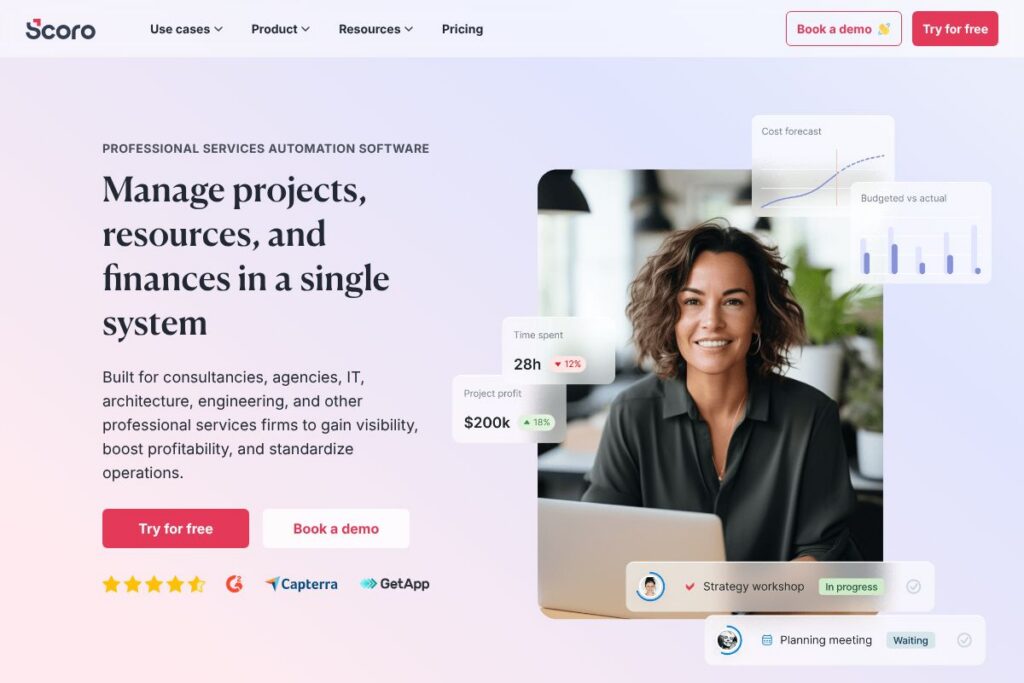

Scoro: An Overview
Scoro is a professional services automation platform built for consultancies, agencies, IT, architecture, engineering, and other service firms that need to manage projects, resources, and finances in one place. It consolidates quoting and sales, project delivery, time and expense capture, resource planning, and invoicing so teams can see project performance and profitability in real time.
Compared with general project tools like monday.com and Asana, Scoro places heavier emphasis on financials and end-to-end project accounting rather than purely task and collaboration workflows. Against established PSA and ERP-adjacent vendors such as Deltek and FinancialForce, Scoro aims for a more modern, user-friendly interface while keeping deep cost tracking and margin reporting.
All of this makes Scoro particularly well suited for professional services firms that need integrated financial controls and forecasting alongside project management. It excels at linking quotes to project plans and invoices, and is a fit for teams that must manage multiple offices, currencies, and billable rates.
How Scoro Works
Scoro maps the professional services lifecycle into connected modules: sales and quoting feed project plans; those plans drive resource allocation and time capture; time and expenses feed project financials and invoicing. This connection means a change in a quote or a role rate immediately updates projected margins and billing forecasts.
A typical workflow starts with a detailed estimate that breaks deliverables down by role and effort, converts the estimate to a project plan with assigned resources, tracks time and expenses against roles, and finishes with automated invoices and consolidated financial reports. Teams can use dashboards to monitor budget burn, utilization, and profitability across clients or services, and adjust staffing or pricing proactively.
Scoro features
Scoro bundles project, resource, and financial features designed to reduce spreadsheet work and provide accurate, timely insights. Recent platform additions include Scoro AI (ELI) for natural-language queries and automated insights, expanded reporting templates, and tighter integrations for accounting and calendar systems.
Advanced quoting and estimating
The quoting matrix lets you build estimates by deliverable, role, and effort with transparent cost and margin calculations. This gives sales and project managers the ability to produce quotes that align with planned resource allocation, reducing scope creep and protecting profitability.
Project financials and forecasting
Scoro tracks budget burn and forecasts profitability at project, service, and role level in real time. Both internal and external costs are recorded so you can see true margins, spot overruns early, and run what-if scenarios for pricing or scope changes.
Resource planning and utilization
Resource planning shows availability, bookings, and future demand so managers can balance workloads and identify hiring or outsourcing needs ahead of time. Utilization reports help prevent overload for some staff while others remain underbooked.
Time tracking and billing
Time and expense capture link directly to projects and roles, making billing and revenue recognition straightforward. The platform supports multiple billing models including time-and-materials, fixed-price, and retainer arrangements and produces invoices that flow into your accounting processes.
ELI, Scoro AI assistant
ELI responds to natural-language queries and can surface financial summaries, utilization snapshots, and project health indicators using Scoro’s data engine. It helps teams get answers quickly without constructing custom reports.
Reporting and dashboards
Customizable dashboards and templated reports provide cross-company views of revenue, margins, utilization, and backlog. Report builders let finance and leadership drill down from company-wide KPIs to individual project line items.
Integrations and API connectivity
Scoro connects with common accounting systems, calendar and email tools, and single sign-on providers so data flows into and out of the platform. The platform’s API enables automation and custom integrations to extend core functionality.
With Scoro you get consolidated project and financial control, which reduces reliance on spreadsheets and manual reconciliation while giving clearer margins and capacity planning.
Scoro pricing
Scoro uses a subscription-based pricing model tailored to professional services firms, with per-user plans and enterprise options that can be adapted to team size and feature needs. For current plan breakdowns and to confirm licensing terms, view Scoro’s pricing information on the vendor site.
What is Scoro Used For?
Scoro is used to run end-to-end operations for professional services organizations, including bid-to-bill workflows, resource forecasting, and consolidated financial reporting. Firms use it to standardize processes across sales, delivery, and accounting so nothing is lost between handoffs.
Common scenarios include quoting complex projects with variable roles, tracking utilization and bench time across multiple offices, running consolidated multi-currency financials, and producing client invoices tied directly to recorded time and expenses. Small to mid-sized consultancies and agencies typically adopt Scoro to replace disconnected spreadsheets and multiple point tools.
Pros and Cons of Scoro
Pros
- Comprehensive financials and PSA integration: Scoro ties estimates, time tracking, costs, and invoices together so project profitability is visible at every stage, removing manual consolidation work.
- Advanced quoting and margin control: The role-level quotation matrix allows precise cost and margin calculation during the sales process, improving bid accuracy and margin protection.
- Strong resource planning: Resource capacity and utilization tools help managers balance workloads, forecast hiring needs, and reduce burnout risks.
- User-friendly interface and implementation support: The platform is designed for non-technical users and is backed by implementation experts to accelerate onboarding.
Cons
- Pricing and packaging can be enterprise-oriented: Organizations with very small teams may find Scoro’s licensing tuned toward mid-market and enterprise customers, so total cost should be scoped against feature needs.
- Learning curve for deep financial features: Teams that only need basic project management may not require Scoro’s full financial depth, and adopting the more advanced modules requires planning and process alignment.
Does Scoro Offer a Free Trial?
Scoro offers a 14-day free trial with no credit card required. The trial provides access to core project, time tracking, resource planning, and billing features so you can validate workflows before committing to a subscription.
Scoro API and Integrations
Scoro provides a developer API for automation and custom integrations; the Scoro API documentation explains available endpoints for projects, users, time entries, and invoices. Developers can use the API to push and pull data, automate billing workflows, or integrate Scoro with in-house systems.
On the integration side, Scoro commonly connects to accounting tools, calendar services, SSO providers, and collaboration apps to centralize business data. See Scoro’s integrations and API documentation for a list of supported connectors and integration guides.
10 Scoro alternatives
Paid alternatives to Scoro
- Accelo — Cloud PSA with client work management, time tracking, and billing designed for service firms that need client lifecycle management.
- mavenlink — Project and finance operations platform targeted at mid-market agencies that need resource planning and financial controls.
- Deltek — Enterprise-focused project and financial management with deep ERP capabilities for professional services and government contractors.
- FinancialForce — Salesforce-native PSA and financial management, suited for organizations already on the Salesforce platform.
- Wrike — Work management platform with resource planning and reporting, better suited to task-oriented collaboration than full accounting.
- monday.com — Versatile work OS that can be configured for professional services workflows, but requires add-ons for deep financials.
- Asana — Strong task and project management for teams, with less emphasis on billing and project accounting.
Open source alternatives to Scoro
- ERPNext — Open source ERP with projects, timesheets, and invoicing modules that can be configured for service businesses and self-hosted.
- Odoo (Community) — Modular open source suite including project, timesheet, and accounting modules; requires configuration and optional paid services for advanced features.
- OpenProject — Open source project management tool with time tracking and planning features; more focused on project delivery than integrated financials.
Frequently asked questions about Scoro
What is Scoro used for?
Scoro is used as a PSA platform to manage projects, resources, time tracking, and financials in one system. Professional services firms use it to connect quoting, delivery, and billing for clearer profitability and capacity planning.
Does Scoro offer API access?
Yes, Scoro provides an API for developers. The Scoro API documentation describes endpoints for automating data flows for projects, time entries, invoices, and users.
Can Scoro handle multi-currency and multi-office operations?
Yes, Scoro supports multi-currency billing and multi-office setups. It consolidates financials and reporting across locations so leadership can view company-wide and local performance.
Is Scoro suitable for small agencies?
Scoro can be suitable for small agencies that need integrated financial controls, but it is particularly valuable for growing firms. Smaller teams should evaluate which modules they need to avoid paying for unneeded enterprise features.
Does Scoro include time tracking and invoicing?
Yes, Scoro includes time tracking, expense capture, and invoicing that link directly to projects. Time entries and costs feed project financials so invoices and profitability reports reflect actual work.
Final verdict: Scoro
Scoro stands out as a PSA platform with strong financial tracking and quote-to-invoice continuity, making it a solid choice for consultancies and agencies that must measure and protect profitability. Its resource planning and role-level estimating give teams the tools to forecast demand and price work accurately while reducing spreadsheet reconciliation.
Compared with a task-focused tool like Asana (which starts at $10.99/user/month for premium tiers), Scoro provides deeper accounting and billing features and is tailored to firms that require consolidated project financials. Organizations that need simple task management may find Asana more cost-effective, while teams that require integrated finance and PSA capabilities will find Scoro’s feature set more appropriate.
To evaluate whether Scoro fits your business, start with the free trial and review Scoro’s implementation and security materials to match platform capabilities to your invoicing and forecasting requirements. For pricing details and to begin a trial, see Scoro’s available plans and trial options on Scoro’s website.