
Userpilot: An Overview
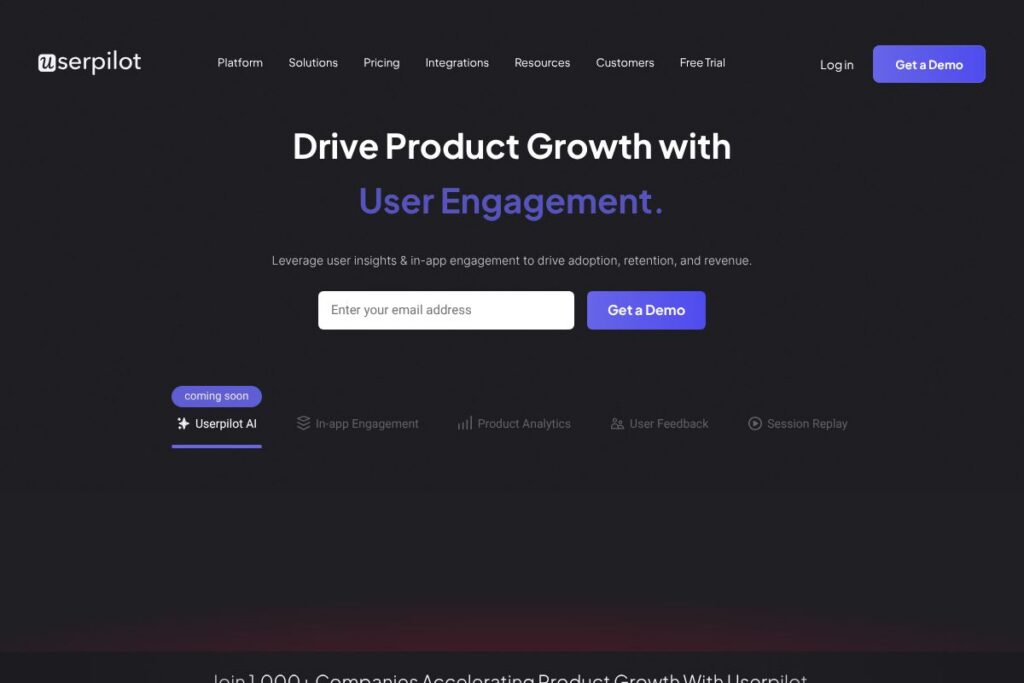
Userpilot is a product growth platform designed for product teams that need to deliver contextual, personalized in-app experiences to drive activation, retention, and revenue. It combines onboarding flows, product analytics, microsurveys, session replay, and mobile-first UI patterns so teams can ship behavior-driven experiences without heavy engineering overhead.
Compared with competitors, Userpilot focuses on no-code in-app flow creation and product-led growth workflows. Appcues offers a similar no-code approach but is often positioned toward larger UX and customer experience teams. Pendo pairs product analytics with feature adoption tools and often targets enterprise customers with broader roadmap governance needs. Chameleon is another close competitor focused on in-product tours and lightweight experimentation, but Userpilot emphasizes integrated feedback collection and a privacy-first session replay tool.
Userpilot is especially well suited for product managers, growth teams, and customer success teams that want to quickly iterate on onboarding and feature discovery. Its strengths are in targeted segmentation, contextual messaging, and combining qualitative feedback with behavioral analytics to close the loop on product improvements.
How Userpilot Works
Userpilot instruments your product to track user events and attributes, then lets you build in-app content such as walkthroughs, tooltips, checklists, and modals that trigger based on those events or user segments. Campaigns are created with a visual editor so product teams can design flows, set targeting rules, and schedule launches without writing code.
Data from events and surveys feeds into reporting and segmentation so you can identify dropoff points, test different onboarding experiences, and measure the impact of changes on activation and retention. A typical workflow is to identify a funnel dropoff using analytics, design a targeted in-app flow to address the problem, run it to a subset of users, and measure lift through custom reports and retention metrics.
What does Userpilot do?
Userpilot centers on features that help teams activate new users, surface product value faster, gather contextual feedback, and learn from real user sessions. Recent product direction emphasizes AI-assisted growth workflows through Lia, Userpilot’s AI agent, plus stronger mobile support and privacy-first session replay capabilities.
Let’s talk Userpilot’s Features
User Onboarding
Userpilot provides a visual no-code editor to build interactive walkthroughs, checklists, and tooltips that guide new users through core actions. Targeting rules allow flows to appear based on user attributes, behavior, or custom segments, which helps reduce time-to-value and improve first-run activation.
Product Analytics
Event-based analytics track user journeys, funnels, and feature adoption across your product so teams can generate custom reports and answer product questions. You can use segmentation and cohort analysis to measure the impact of in-app experiences on activation and retention.
User Feedback (Microsurveys)
Microsurveys let you collect contextual feedback at key moments in the product, including NPS, feature requests, and short open-text surveys. Responses are tied to user metadata so you can segment feedback by behavior, plan, or lifecycle stage and route insights to product or support teams.
Session Replay
The session replay tool captures user interactions so teams can watch how users move through the product and spot UI friction or bugs. The tool is built with privacy-first controls to mask sensitive data and focus on behavior patterns that inform UX fixes.
Mobile Support
Userpilot supports native mobile UI patterns and SDKs to run onboarding flows, surveys, and analytics on iOS and Android. Mobile-first templates and gesture-aware controls help product teams apply the same growth playbooks on native apps that they use on web products.
Lia AI Agent for Product Growth
Lia is an AI assistant designed to assist product growth by suggesting campaign ideas, surfacing optimization opportunities, and helping draft in-app copy. Lia can speed ideation and help teams prioritize experiments by highlighting segments where campaigns are likely to move metrics.
Integrations and Data Sync
Userpilot connects to popular analytics, CRM, and data platforms so you can push user events out or enrich segments with external attributes. Integrations let teams combine product-led signals with customer data to trigger more relevant experiences and forward results to reporting stacks.
With these capabilities, Userpilot helps teams iterate on flows faster, measure outcomes, and tie qualitative feedback to behavioral data, making it easier to run product-led growth experiments at scale.
Userpilot pricing
Userpilot uses a subscription model tailored to product teams of different sizes and use cases, with options for staged evaluations and enterprise deployments that include custom agreements and support. Pricing is not published in a dedicated pricing endpoint on the site, and plans are commonly discussed during sales or demo conversations.
For current plan details and to understand which tier fits your needs, see the current pricing options on Userpilot’s site or contact their team to request a tailored quote and feature comparison.
What is Userpilot Used For?
Userpilot is typically used to improve product onboarding and feature adoption by delivering contextual, behavior-driven experiences. Teams use it to reduce time-to-value for new users, run targeted campaigns to increase activation, and build checklists or guided tours that promote feature discovery.
Beyond onboarding, product teams use Userpilot for continuous experimentation: launching segmented in-app experiments, collecting user sentiment through microsurveys, and validating whether changes increase retention or revenue. Customer success and growth functions use it to build in-product communications that reduce support load and surface upgrade opportunities.
Pros and Cons of Userpilot
Pros
- No-code in-app flow builder: Allows product teams to create complex onboarding flows and tooltips without engineering support, enabling faster iteration and A/B testing.
- Integrated feedback and analytics: Combines microsurveys with event-driven analytics so you can connect what users say with what they actually do inside the product.
- Privacy-first session replay: Lets teams diagnose UX issues while respecting user privacy through masking and control settings.
- Mobile-first support: Provides SDKs and mobile UI patterns so native apps can use the same growth playbooks as web products.
Cons
- Enterprise features via sales: Advanced enterprise needs such as SSO, dedicated SLAs, or high-volume account plans are typically handled through custom contracts rather than public plan tiers.
- Learning curve for advanced segmentation: Getting the most value from segmentation and multi-step experiments requires product analytics and event instrumentation best practices.
- Dependency on event instrumentation: Accurate targeting and analytics depend on consistent event tracking; teams need to maintain instrumentation to avoid gaps in reporting.
Does Userpilot Offer a Free Trial?
Userpilot offers demo-based evaluation rather than a publicly advertised free plan. Prospective customers can request a demo with a product specialist to review features, see examples, and discuss trial arrangements or pilot programs tailored to their product and team size. For scheduling, use the demo request options on their site.
Userpilot API and Integrations
Userpilot provides an API and multiple integration points to sync events, user attributes, and campaign triggers with your analytics and CRM systems. The integration library includes connectors for common tools like Segment, Mixpanel, Google Analytics, and major CRMs.
Developer documentation and API references are available through the Userpilot docs to help engineering teams instrument events, call APIs for user provisioning, and push campaign data into external reporting systems.
10 Userpilot alternatives
Paid alternatives to Userpilot
- Appcues — No-code product adoption and onboarding platform with emphasis on design and enterprise feature sets.
- Pendo — Product analytics and in-app messaging platform that combines roadmap and feedback tooling for larger organizations.
- Chameleon — In-product tours and tooltips focused on product growth with a lightweight, developer-friendly approach.
- WalkMe — Digital adoption platform geared toward complex enterprise applications and large-scale deployments.
- Intercom — Customer messaging platform that includes product tours and messaging tied to user segments.
- Mixpanel — Product analytics platform with engagement tools and experimentation features for data-driven teams.
- Heap — Auto-capturing analytics with the ability to build funnels and understand user journeys without manual instrumentation.
Open source alternatives to Userpilot
- PostHog — Open source product analytics suite with session recording and feature-flagging capabilities, suitable for teams that want self-hosted analytics.
- OpenReplay — Open source session replay tool that captures user interactions and lets teams debug UX issues without relying on third-party hosted replay services.
- Matomo — Open source analytics platform for privacy-focused teams that need self-hosting and full ownership of data.
Frequently asked questions about Userpilot
What is Userpilot used for?
Userpilot is used for building in-app experiences to improve onboarding, feature adoption, and retention. Teams use it to run targeted campaigns, collect contextual feedback, and measure how product changes affect user behavior.
Does Userpilot integrate with analytics and CRM tools?
Yes, Userpilot integrates with popular analytics and CRM systems. The integration library includes connectors for tools like Segment, Mixpanel, Google Analytics, and common CRM platforms to sync events and user attributes.
How does Userpilot handle session replay and privacy?
Userpilot’s session replay is designed with privacy controls and masking options. Teams can mask sensitive fields and configure recording to meet compliance needs while still capturing interaction patterns that reveal UX issues.
Can Userpilot be used for native mobile apps?
Yes, Userpilot supports native mobile onboarding and in-app messaging. Mobile SDKs and mobile-first UI patterns let teams run the same product growth campaigns on iOS and Android.
Is there an API for automating Userpilot workflows?
Yes, Userpilot provides an API and developer documentation for automation. The API supports event ingestion, user attribute sync, and campaign triggers so engineering teams can automate workflows and tie Userpilot data into their pipelines.
Final verdict: Userpilot
Userpilot is a practical choice for product-led teams that need a tightly integrated set of tools to run onboarding, gather feedback, and measure the impact of product experiments. It excels at enabling non-engineering teams to create contextual, behavior-driven experiences while tying qualitative feedback to analytics and session replays.
Compared with Pendo, which often targets larger enterprise buyers with broad product management tooling and custom pricing, Userpilot is positioned for mid-market product teams that want fast iteration and no-code campaign creation. While pricing is handled through demos and custom plans, Userpilot’s focus on integrated feedback, privacy-first replays, and mobile support makes it a strong option for teams prioritizing product growth and feature adoption. For next steps, request a demo or explore the feature documentation to see how it maps to your growth objectives.