
Chameleon: An Overview
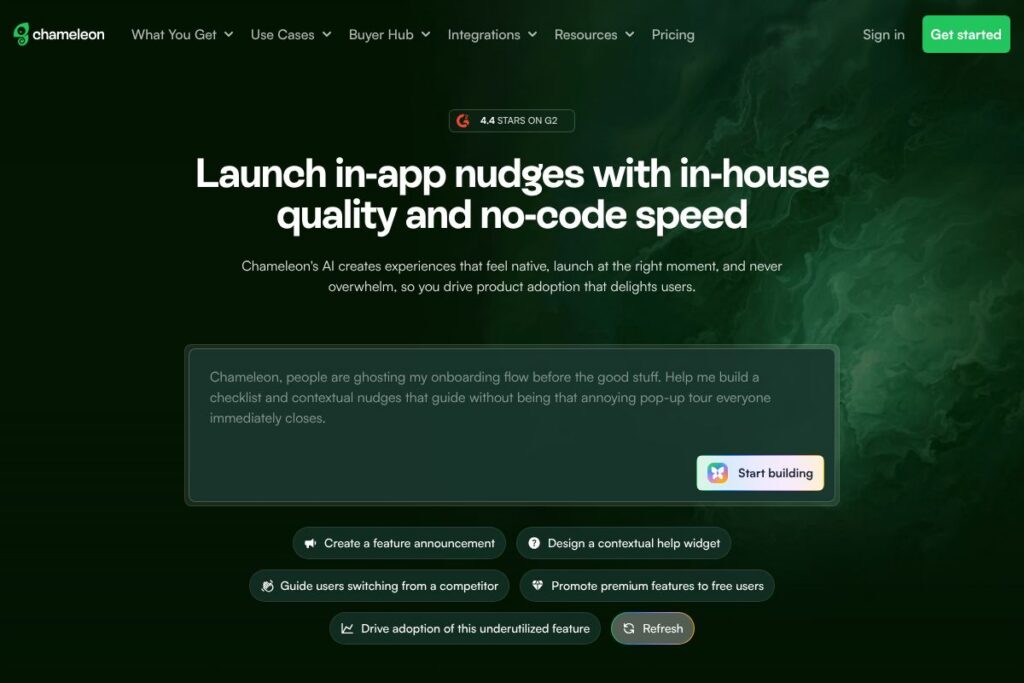
Chameleon is a product adoption platform focused on creating in-app Tours, Microsurveys, and targeted messages that feel native to the product and appear at appropriate moments to drive adoption. It combines a no-code builder with audience segmentation, experimentation, and analytics so product and growth teams can design, launch, and optimize experiences without long engineering cycles.
Compared with competitors, Chameleon sits between heavy analytics-first platforms like Pendo and large automation suites such as Intercom. Against Appcues, Chameleon emphasizes flexible triggering, tighter in-app placement controls, and a streamlined editing experience that supports frequent iteration. This positioning makes Chameleon a fit for teams that want powerful targeting and experimentation without the overhead of enterprise-only platforms.
All of this makes Chameleon especially useful for product, growth, and customer success teams that need precise control over who sees which experiences, when they see them, and how those experiences are tested and measured. Organizations that prioritize quick iterative launches, accessibility, and integration with modern analytics stacks will find Chameleon practical for improving onboarding and feature adoption.
How Chameleon Works
Chameleon works by injecting a lightweight script into your web app that renders in-app Experiences, then maps those Experiences to audiences defined by user properties, events, and URL patterns. Teams build Tours, Microsurveys, and Launchers inside the visual no-code editor, then apply segment filters and frequency controls to determine when and how often those Experiences appear.
Once live, Experiences can be A/B tested, linked to custom events, and evaluated with timeline graphs, funnels, and completion metrics so teams can iterate. Data flows both ways through integrations and webhooks; you can push engagement signals to analytics tools or import audience data from your warehouse to refine targeting, enabling a continuous optimization loop.
Chameleon features
Chameleon’s feature set centers on no-code creation, precise audience targeting, experimentation, and cross-tool data connections. Recent additions focus on AI-assisted content generation for Experience copy, improved accessibility controls, and expanded integrations for two-way data sync.
No-code Builder
The visual editor lets non-technical team members create Tours, tooltips, and Launchers using a drag-and-drop interface, with optional custom CSS for full design control. This reduces engineering dependency and speeds up iteration cycles while still allowing messages to match product styling.
AI-assisted Copy and Content
AI features help generate or refine Experience copy, convert help articles into bullet points, and change tone to match audience segments. This speeds content creation and keeps messaging consistent across different Experiences and locales.
Audience Segmentation and Filters
Combine filters into groups to define precise Audience Segments by user properties, events, and URLs, and use up to two on-page elements as display controls. Segments support repeated controls and throttling so teams can manage exposure frequency and avoid overwhelming users.
Templates and Launchers
Over 50 pre-made Templates provide starting points for common onboarding flows and feature announcements, and Launchers let you embed interactive triggers in the product UI. Templates accelerate builds while Launchers increase discoverability for self-serve guidance.
Experimentation and Analytics
Built-in experiment support lets teams split-test Tours and Microsurveys, analyze results, and push the best-performing variant live. Experience-level reporting includes timeline graphs, funnel views, and completion metrics to connect experiences with downstream user behavior.
Accessibility and Localization
Chameleon includes focus management, tab traps, image labeling, and support for multiple languages via transcription uploads to meet accessibility and localization requirements. These features help ensure Experiences are usable and legally compliant across regions.
Integrations and Data Sync
Two-way integrations with analytics tools allow sending engagement events to platforms like Amplitude, Mixpanel, and GA4, and importing user properties via Segment or Freshpaint streamlines targeting. Warehouse syncs with Hightouch or Census enable deeper segmentation using enriched user data.
Developer Tools and Debugging
A console Debugger helps troubleshoot Experiences that are not displaying as expected, and webhooks plus a developer API support programmatic management of Experiences and custom automation. These tools assist engineering teams when deeper control or automation is required.
Security and Compliance
Chameleon includes enterprise security features such as SSO with Google for Work, two-factor authentication, and safeguards around data handling to comply with EU and US regulations. This makes it suitable for organizations with formal security requirements.
The biggest benefit across these features is that Chameleon centralizes in-app guidance, experimentation, and audience management so teams can iterate quickly and measure impact without building internal tooling.
Chameleon pricing
Chameleon uses a subscription-based SaaS pricing model that is tailored to organization size, required features, and usage needs rather than a single public rate. For current plan options, seat counts, and enterprise add-ons, consult Chameleon’s pricing and plans on the Chameleon homepage.
What is Chameleon Used For?
Chameleon is primarily used to improve product adoption through guided onboarding, feature introductions, and contextual help that reduces friction for new and existing users. Teams deploy Tours to teach workflows, Microsurveys to collect in-product feedback, and Launchers to nudge users toward specific actions without leaving the app.
It is especially effective for SaaS products, marketplaces, and dashboards where step-by-step guidance can shorten time-to-value, reduce support load, and increase feature activation. Customer success, growth, and product managers use Chameleon to build targeted flows, measure downstream behavior, and iterate based on experiment results.
Pros and Cons of Chameleon
Pros
- No-code in-app creation: Non-engineers can build Tours, Launchers, and Microsurveys quickly using the visual editor, which shortens the cycle from idea to live experience.
- Precise targeting and throttling: Segmentation and frequency controls let teams manage who sees what and how often, reducing message fatigue while allowing tailored guidance.
- Experimentation and analytics: Built-in A/B testing and experience-level metrics connect in-app guidance to user behavior and conversion outcomes.
- Integrations and data sync: Two-way integrations with analytics tools and warehouse sync options enable deeper targeting and unified event tracking.
- Accessibility and localization support: Focus management, tab traps, image labels, and language support help ensure Experiences are widely usable and compliant.
Cons
- Enterprise-focused pricing model: Pricing is tailored and typically negotiated, which can be a barrier for very small teams seeking transparent entry-level rates.
- Learning curve for complex targeting: Power users may need time to master advanced segmentation, event wiring, and experiment setup to extract maximum value.
- Limited mobile native support: While Chameleon supports mobile display via filters and responsive designs, teams with complex native mobile apps may require SDK-based solutions or additional engineering work.
Does Chameleon Offer a Free Trial?
Chameleon offers flexible trial and demo options rather than a single public free tier. Prospective customers can request a demo or trial via the Chameleon homepage to evaluate the platform with their product data, and the team will work with you to determine trial scope and duration.
Chameleon API and Integrations
Chameleon provides a developer API and webhook support to programmatically manage Experiences and to send or receive event data; refer to the Chameleon developer documentation for endpoint details and examples. For event and user property integration, Chameleon connects with tools such as Amplitude, Mixpanel, GA4, Segment, and Freshpaint to support two-way data flows and more precise targeting.
10 Chameleon alternatives
Paid alternatives to Chameleon
- Appcues — In-app guidance and onboarding focused on ease of use for non-technical teams, with strong templating and analytics.
- Pendo — Product experience platform that combines in-app guides with deep product analytics and roadmap prioritization features.
- WalkMe — Enterprise digital adoption platform with robust automation and advanced in-app guidance for large organizations.
- Userpilot — No-code product adoption tool emphasizing targeted onboarding flows and behavior-driven triggers.
- Whatfix — Focused on enterprise-scale digital adoption with guided walkthroughs and SAP/ERP support.
- Intercom — Customer messaging and product tours combined with conversational support and user engagement workflows.
Open source alternatives to Chameleon
- Intro.js — Lightweight JavaScript library for simple product tours and step-by-step introductions with programmatic control.
- Shepherd.js — Guide and tour library built on Popper for fine-grained control over steps and placements in web apps.
- Driver.js — Focuses on spotlighting interface elements and guiding users through flows with minimal dependencies.
- Hopscotch — Older but usable library for creating multi-step product tours with configuration-driven setup.
Frequently asked questions about Chameleon
What is Chameleon used for?
Chameleon is used to build and deliver in-app Tours, Microsurveys, and Launchers to drive product adoption. Teams use it to onboard users, announce features, gather feedback, and measure the downstream impact of in-product guidance.
Does Chameleon integrate with analytics tools like Amplitude or Mixpanel?
Yes, Chameleon integrates with major analytics platforms including Amplitude and Mixpanel. These integrations enable sending engagement events and importing user properties for more precise targeting and measurement.
Can Chameleon target users based on data from our data warehouse?
Yes, Chameleon supports warehouse sync via tools such as Hightouch and Census. That lets you target segments built from enriched or computed user attributes stored outside your product analytics stack.
Is Chameleon accessible and compliant with security standards?
Chameleon includes accessibility features and enterprise security controls such as SSO and two-factor authentication. The platform is positioned to meet common EU and US regulatory expectations around data handling and access controls.
How do teams debug Experiences that are not showing up in Chameleon?
Chameleon provides a console Debugger and developer tools to troubleshoot display and triggering issues. The Debugger surfaces errors, DOM matching problems, and segment evaluation so teams can iterate quickly.
Final verdict: Chameleon
Chameleon is a focused product adoption platform that balances no-code in-app creation with precise targeting, experimentation, and integrations for a measurable adoption workflow. Its strengths are fast iteration, flexible audience controls, and built-in experiment and analytics features that let product and growth teams test what actually drives behavior.
Compared with a competitor like Pendo, which bundles deep product analytics and enterprise governance with custom pricing, Chameleon emphasizes streamlined in-app experience creation and tighter controls over display and frequency. That makes Chameleon a strong choice for teams that prioritize rapid, iterative adoption work and integration with an existing analytics stack rather than an all-in-one enterprise analytics suite.